
How to Sublimate
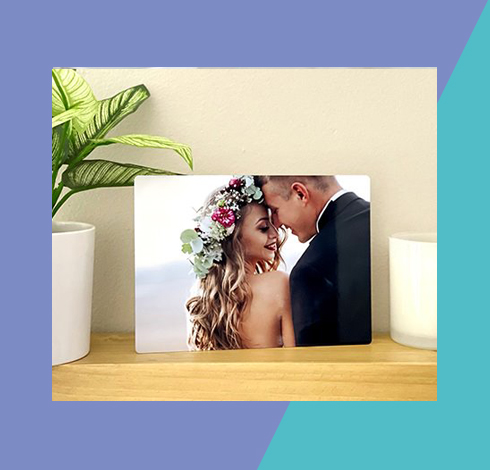
Gloss White
Metal Print
Description: Item #4054
ChromaLuxe® one-sided, 5"x7" aluminum panel in white gloss.
*All photography assets are for personal use only and cannot be distributed or sold.
Check List
Before you get started, prep your work station with the following:
-Bare substrate & printed transfer
-Heat tape, cleaning cloth & all-purpose cleaner
-Heat gloves, scissors & blowout paper
Download & print our checklist and instructions below!

Step 1
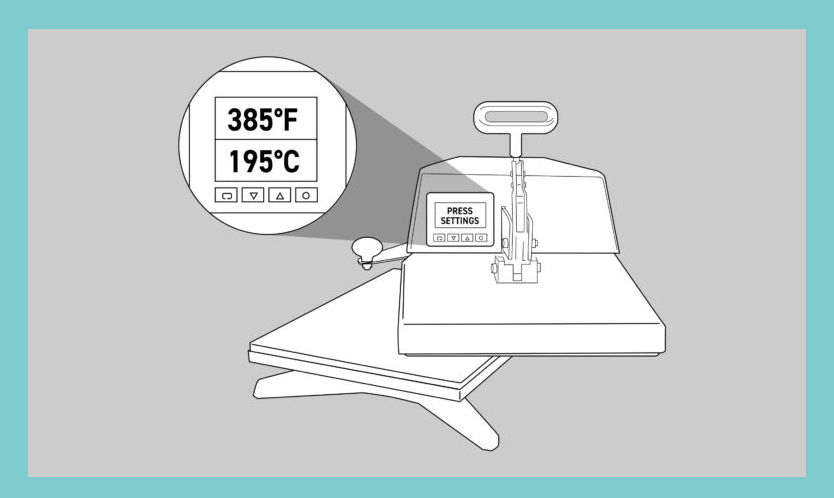
First, turn on your heat press and set the temperature to 385°F / 195°C (temperatures based on prints made with small desktop sublimation printers). Strong pressure is recommended (settings may vary based on equipment).
Add a sheet of protection paper (blowout paper) on the bottom plate of the heat press.
Step 2
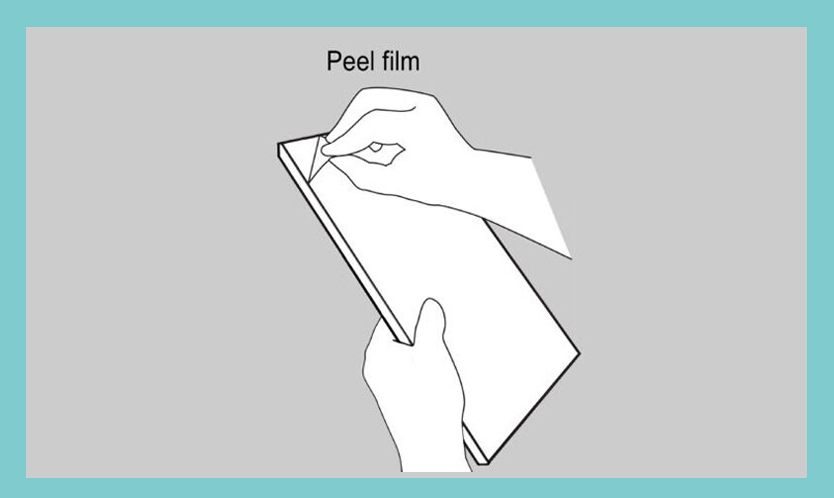
Remove the protection film from the panel.
Check if there are no leftovers from the film on the back of the panel.
Step 3
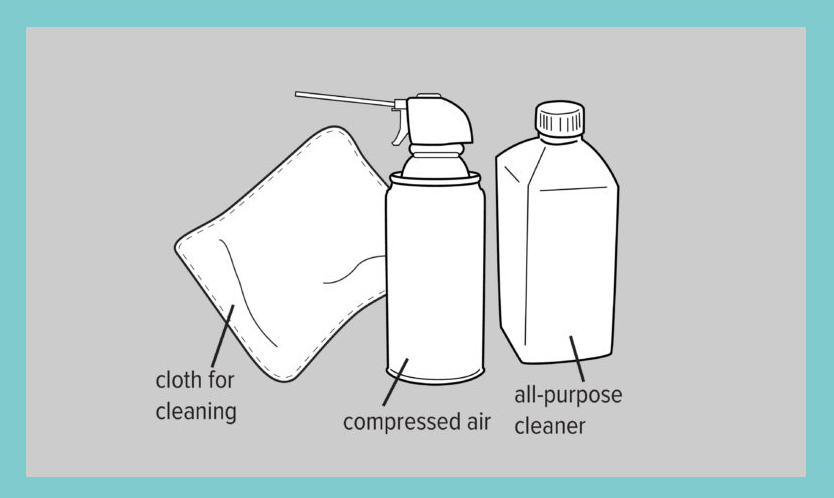
Clean the surface with all-purpose cleaner, a cloth, and compressed air.
Step 4
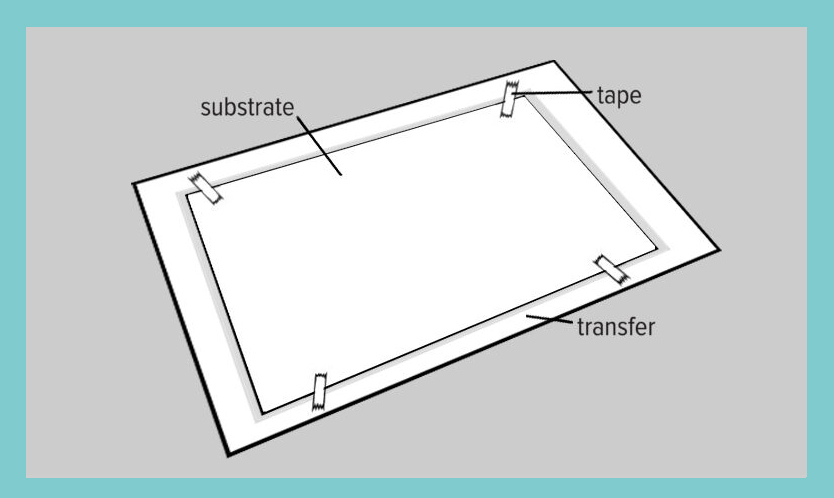
Next, line up and center the panel to the transfer.
Tape the transfer to the back of the panel.
Step 5
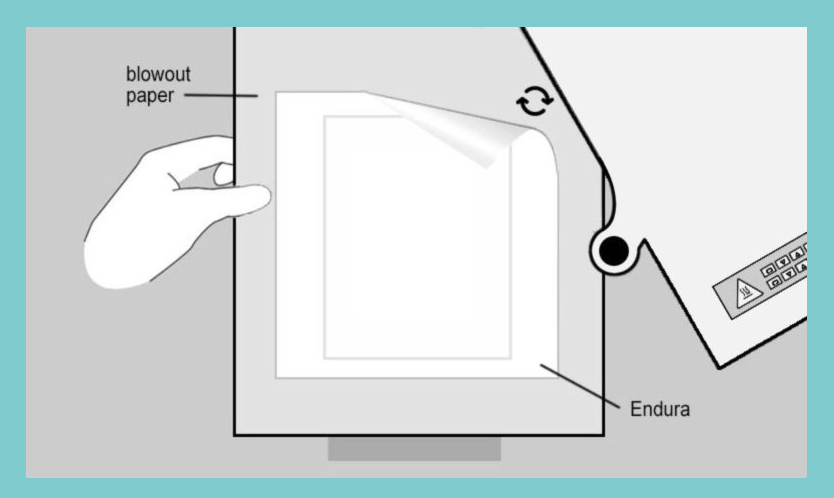
Flip your panel and add everything in the center of the bottom plate of the heat press. Make sure the item receiving the transfer is facing up and the printed transfer is facing down on top of the receiving item.
Add a layer of blowout paper or Endura on top of your printed transfer.
Set the correct temperature & set the time for 1:30-1:35 seconds and close the heat press so the sublimation process starts.
Step 6
When the sublimation process stops, remove the transfer paper immediately and allow the product to cool down.
Attention: the item will be hot, so wear protective heat gloves.

Looking for sublimation inspiration?
Subscribe to our mailing list!
© Universal Woods 2021